Note Shuttle
Write Markdown, publish with one click. Time-limited burn-after-reading or permanently accessible links, with optional encryption — lightweight, secure, controllable
One-Click Publish
Write and publish instantly — generate a shareable link with one click. No sign-up needed for viewers. Supports both time-limited and permanent links
Encrypted Publishing
Publish sensitive content with encryption — viewers must enter a password. AES-256 browser-side encryption; the server only stores ciphertext, even the admin can't read it
Markdown Editor
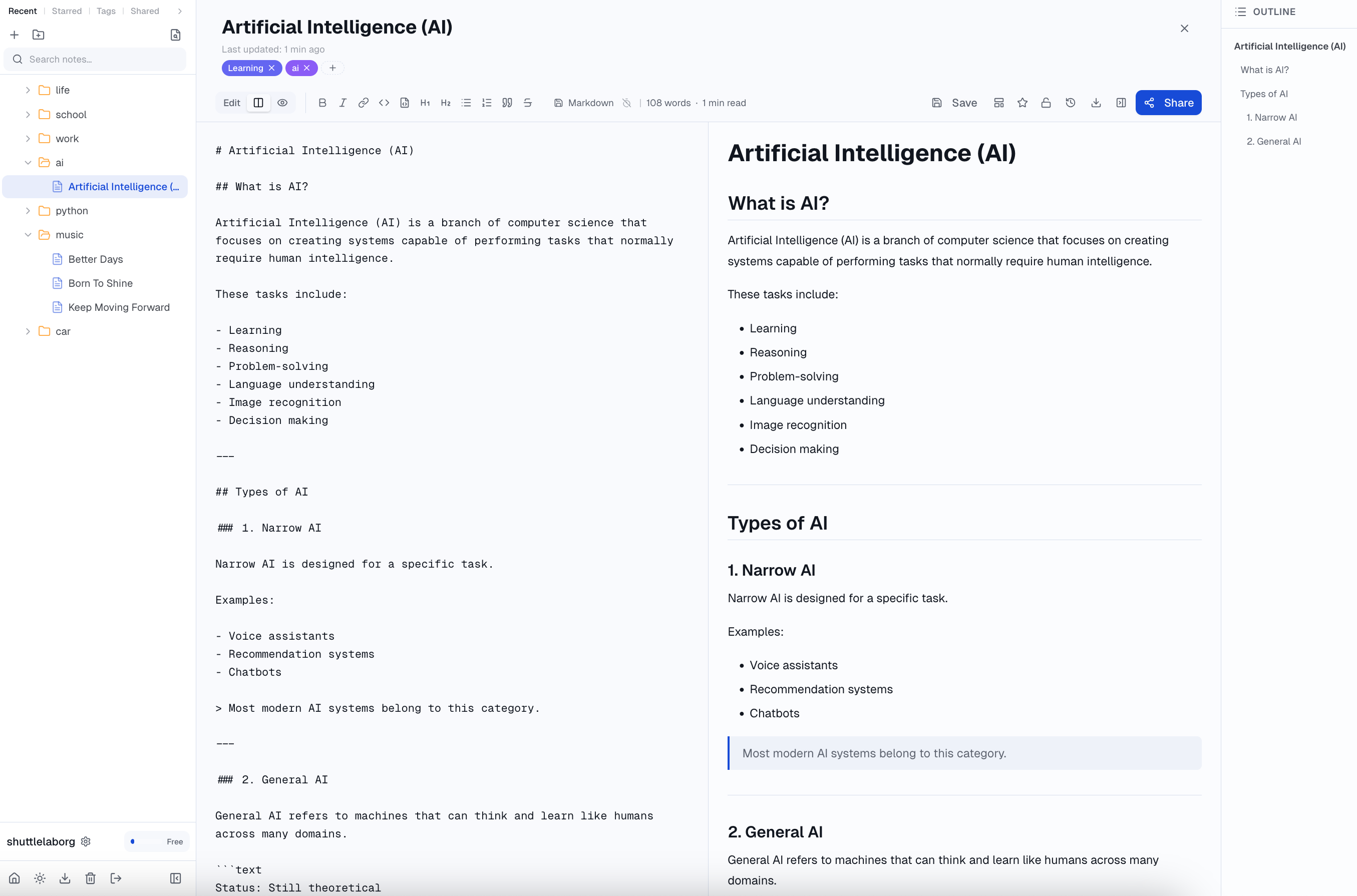
WYSIWYG editing that renders as you type — no separate preview pane; code syntax highlighting, slash commands for quick blocks, drag & drop image upload to cloud
Flexible Expiration
10-minute burn-after-reading, 1 hour, 24 hours, or permanently accessible. Publish the same document multiple times, each with a different expiration
Folder Management
Multi-level folders + document tree. Search, tags, starred, drag & drop organize — feels like a local editor
Safe & Sound
Trash protects from mistakes, version history lets you revert, full-text search finds anything, one-click export of all data — your content is always yours
Pricing
A coffee a year — unlock all premium features
Free
$0
Core features, free forever
- Up to 100 notes
- Share links up to 6 hours
- Image upload (5MB each)
PRO
$5/year
A coffee a year, unlock all premium features
- Unlimited notes
- Share links with no time limit, permanent
- Image upload (50MB each)
PLUS
$20/year
A lunch, massive capacity
- Unlimited notes
- Share links with no time limit, permanent
- Image upload (500MB each)
- Custom share expiry (any date & time)
For payment issues, contact: support@shuttlelab.org
Subscriptions auto-renew annually. Cancel anytime. 7-day refund window.